
If you asked your leadership team today how many AI tools your employees use at work, you’d probably get a confident number. But would it be accurate?
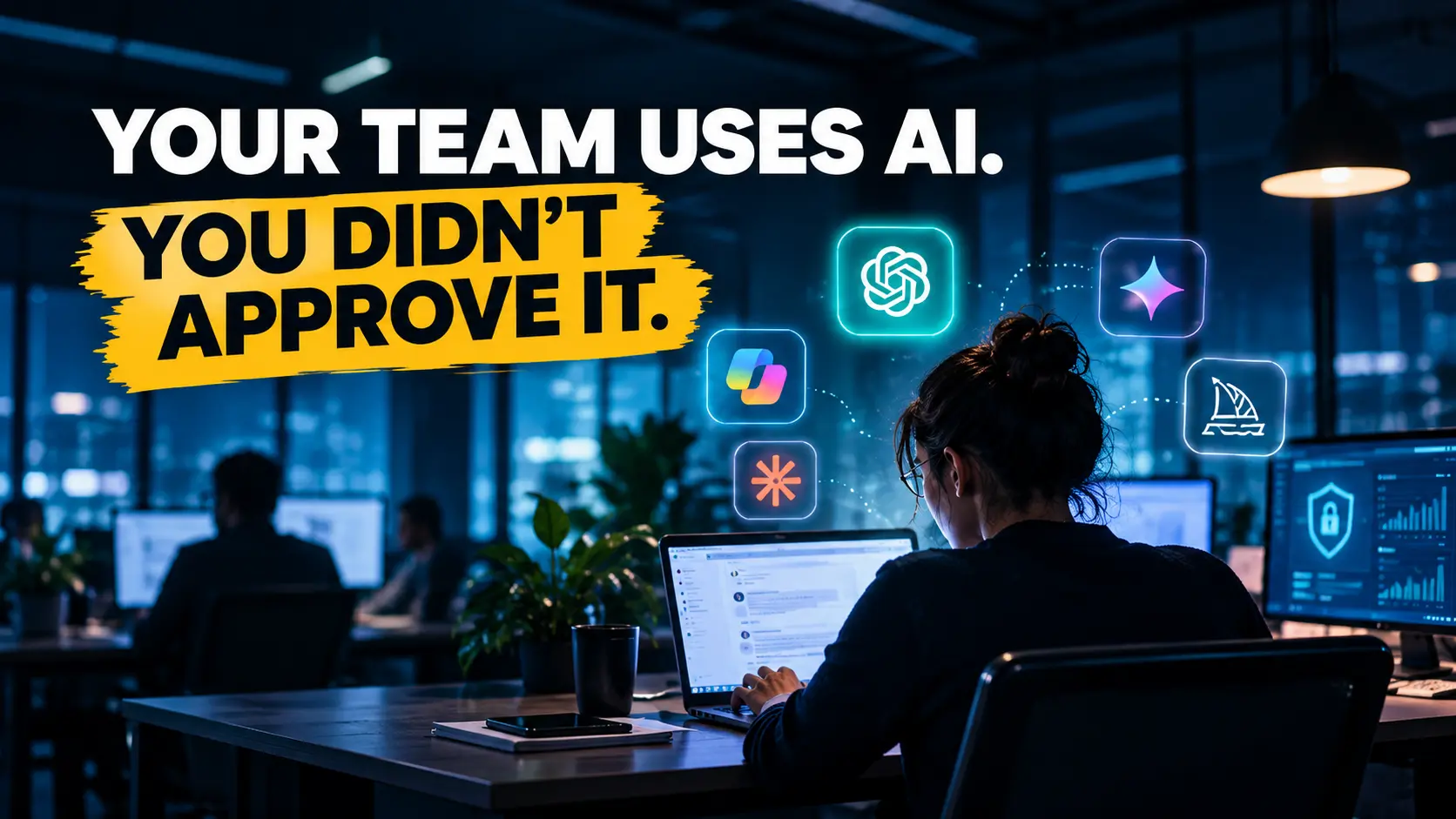
According to Verizon’s 2026 Data Breach Investigations Report, regular employee use of AI tools on corporate devices jumped from 15% to 45% in a single year, including both approved and unapproved tools. The report also identifies shadow AI, where employees use AI tools the business hasn’t approved, as the third most common non-malicious insider action in its data loss prevention dataset.
And there’s another number worth paying attention to: 67% of users accessing AI services in the report’s observed environment used non-corporate accounts on company devices.
That’s a lot of AI activity happening outside normal company oversight. And it raises a simple question: how much of it can your organization actually see?
🎥 Watch the Video: Your Team Is Already Using AI You Didn’t Approve
Shadow AI is already part of the modern workplace. Discover the risks of unapproved AI tools and why visibility is the first step toward effective AI governance.
Shadow AI Is a Signal, Not a Scandal
The instinctive reaction is to treat this as a compliance problem: write a stricter policy, block a few websites, send a reminder email. But that reaction misses what’s really happening.
Employees don’t usually adopt unapproved tools to cause trouble. They use them because the tools help. Someone found a faster way to summarize tickets, draft a customer reply, clean a spreadsheet, or write a script. They found it before the business found a way to govern it.
Seen that way, shadow AI tells you something useful. It shows where your people see value, which workflows could benefit from automation, and where your existing tools might be falling short.
Simply punishing employees for using AI doesn’t address those opportunities. It may just make the activity harder to see.
The Hidden AI Risk Assessment for Enterprise Teams
Why Banning It Doesn’t Work
Blocking AI tools doesn’t necessarily stop people from using them. They might move to personal phones, personal accounts, browser extensions, or free services signed up for with a Gmail address.
The risk doesn’t disappear. It just moves somewhere you have less visibility.
Customer information might get pasted into a chatbot nobody has reviewed. An automation built by one engineer could keep running long after they’ve moved to another team. An AI agent might be given broad access to a cloud account “just for testing” and never get reviewed again.
These aren’t all the same kind of risk. Unapproved AI applications can expose sensitive information, while unregistered AI agents may also access systems and perform actions without proper oversight.
Either way, the problem remains: you can’t protect what you don’t know is being used.
The Real Question: Can You See It?
The practical question isn’t “how do we stop shadow AI?” It’s “how do we see it?”
You can’t govern what you can’t see. Before putting more rules in place, you need an honest inventory: what AI is running, who set it up, what it can access, and what it actually does.
That includes understanding the difference between employees using unapproved AI applications and autonomous agents operating without clear ownership or controls.
Once you have that visibility, the conversation changes.
Instead of a blanket ban, you can make informed decisions. Approve useful tools and bring them under proper controls. Replace risky ones with approved alternatives. Review agents with excessive permissions. And retire anything that no longer has a clear purpose or owner.
Governance becomes much more practical when you know exactly what you’re dealing with.
What a Discovery Scan Actually Finds
When organizations look at their AI environments for the first time, the findings can be surprising.
Depending on available integrations, permissions, and monitoring data, an AI discovery scan can help identify:
- AI agents and automations nobody listed. Scripts, bots, and agents running on schedules or triggers, sometimes created for one project and never retired.
- Models and AI services being called. Which AI models and APIs are connected to business systems and where they’re being used.
- Who owns what. The accounts, roles, and API keys behind each agent, including those linked to employees who have changed roles or left.
- What each agent can reach. The data stores, applications, and permissions available to an agent, including access it may not need.
- Where governance is missing. Agents without clear ownership, monitoring, or documented operating boundaries.
A cloud scan alone won’t reveal every AI application or personal account. Broader visibility may require SaaS discovery, endpoint monitoring, and identity controls.
Still, that initial inventory gives IT, security, and business leaders something concrete to work with.
It turns “we think we have a few AI tools” into a clearer picture of what exists and what needs attention.
From Inventory to Governance
Seeing your AI is step one. Step two is making sure every agent, whether you built it, bought it, or discovered it later, operates within clear, agreed boundaries.
That’s where Scout’s approach comes in.
Scout governs AI agents using Promise Theory. Each agent operates under explicit commitments about what it will and won’t do, and its behavior can be checked against those commitments.
When an agent moves outside its agreed boundaries, integrity monitoring can help flag the deviation so teams can investigate or intervene.
You can read more about how this works in Promise Theory in Agentic AI: Don’t Be Deceived.
The goal isn’t to slow your teams down. It’s to let them keep using the tools that make them faster, while giving the business better visibility, accountability, and control.
Start by Finding Out What’s Already Running
Your employees have already decided AI is useful. The open question is whether your organization can see what’s happening and manage it responsibly.
Scout’s free Agentic Readiness Assessment starts with discovery. It helps identify AI agents already running in your environment, assess governance gaps and opportunities, and build a prioritized roadmap for bringing agents under appropriate controls.
You don’t need to stop AI adoption to make it safer. You need to understand what’s already there.
Frequently Asked Questions
Shadow AI refers to AI tools and applications employees use without their organization’s approval or oversight. While these tools can improve productivity, they may also expose sensitive information, create security gaps, and make it harder for IT teams to track how AI is being used.
Organizations can use AI discovery tools, cloud monitoring, and access reviews to identify unapproved applications and agents. A discovery process helps reveal which AI systems are running, who owns them, what information they can access, and where additional governance is needed.
Shadow AI usually involves employees using unapproved AI applications, such as chatbots or coding assistants. Shadow AI agents are autonomous or semi-autonomous systems operating without proper oversight. Unlike regular AI tools, these agents may access business systems, execute workflows, or perform actions independently.
AI governance helps organizations establish clear rules for how AI tools and agents should operate. It includes access controls, defined responsibilities, ongoing monitoring, and human oversight. These measures help businesses reduce security risks while allowing employees to benefit from AI.
Scout’s Agentic Assessment & Discovery capabilities help organizations identify shadow agents, assess governance gaps, and understand opportunities for responsible AI adoption. Scout also uses Promise Theory-based governance to define agent commitments, monitor behavior, and support accountability as businesses expand their use of autonomous AI.

John Balsavage
President