Mission Control

See Your Entire AI Workforce in Action

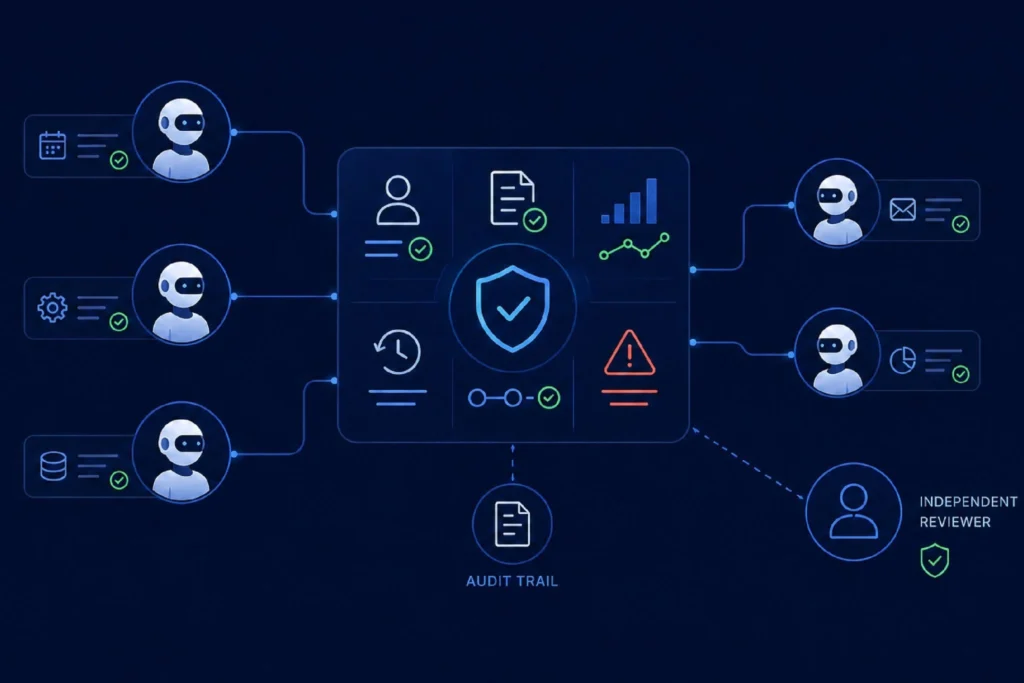
Mission Control is the operational hub for your AI. It provides a live organizational view of every AI agent, showing how agents are structured across teams, departments, and business functions, and how they collaborate to support your organization. From a single dashboard, maintain complete visibility into your growing AI workforce — and simply click any agent to begin chatting.
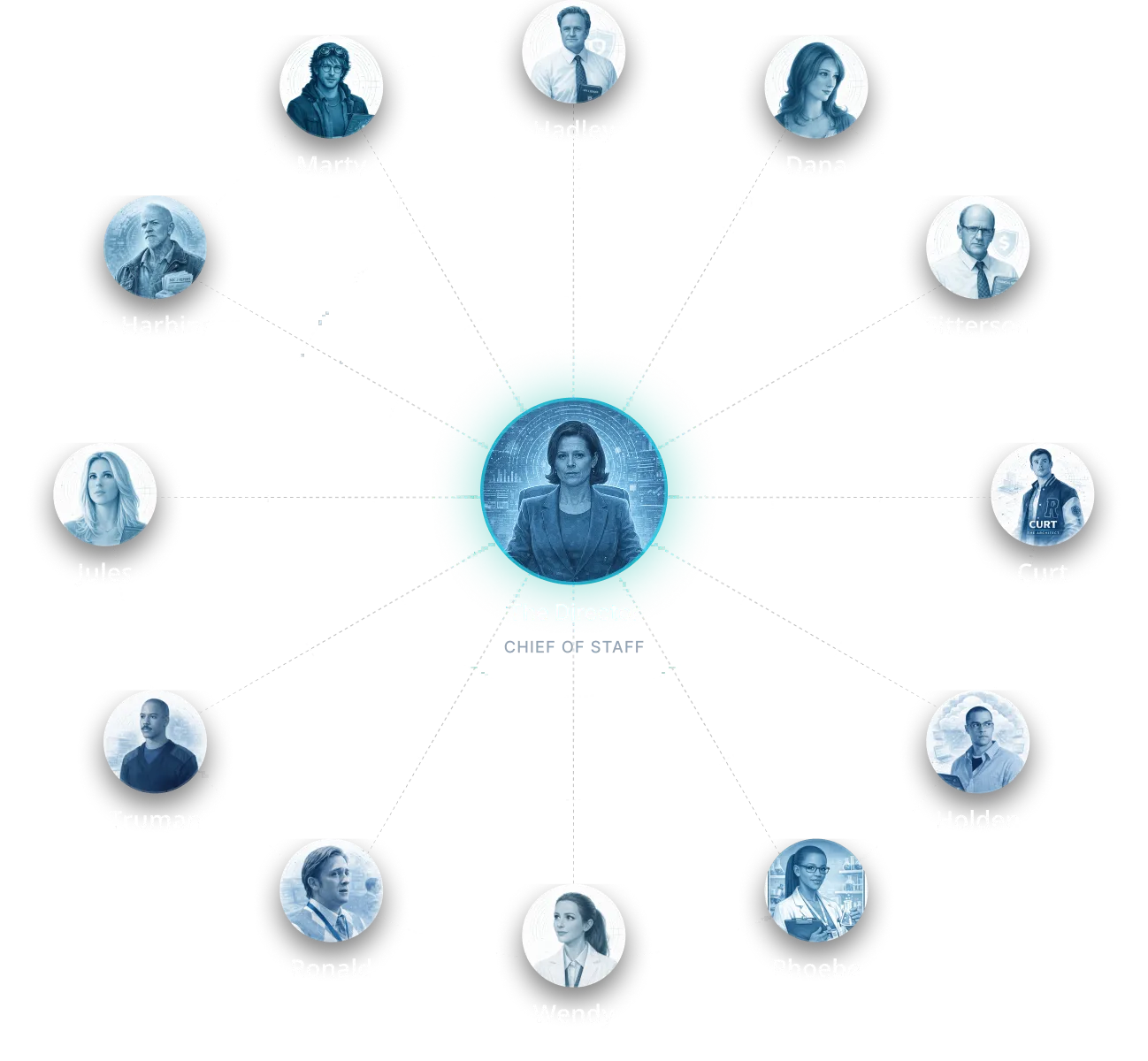

Mission Control organizational view of Scout AI agents, with The Director at the centre surrounded by department agents
Your workforce, your view

One workforce. Three ways to see it.

However your team thinks about work, Mission Control shows your agents the way that makes sense to you.

Org Chart

Your agents laid out like an org chart — the Director at the center, every manager reporting in.

Network

Watch how agents connect and collaborate across your organization in a live network.

Groups

A familiar, app-style home screen — tap any agent to open it and get to work.

Conversational

Click an agent. Ask away.

Every agent is a doorway. Click your HR manager to ask an HR question, your FinOps agent to check spend, or your SRE agent to dig into an incident. Agents are fully customizable — add your own and configure them for your teams — so end users can simply click and chat.

See what you can run
Agent Chat panel in Mission Control offering Model Chat and Agent Chat modes
One Dashboard

Monitor, govern, and launch — all from one place.

Mission Control gives leadership complete command of the AI workforce: see what every agent is doing, set the rules they operate under, and kick off work — without leaving the hub. It keeps your whole workforce organized, connected, and governed.

Monitor agent activity Govern access & behavior Launch AI-powered workflows Complete workforce visibility Rename & organize agents Human-in-the-loop controls

See your AI workforce in action.

Book a demo and take command of every agent across your organization — from a single hub.

Talk to an Expert